software
Contextually Opening Links in Different Web Browsers via BrowseRouter
Lorem ipsum dolor sit amet.


software
Lorem ipsum dolor sit amet.
productivity
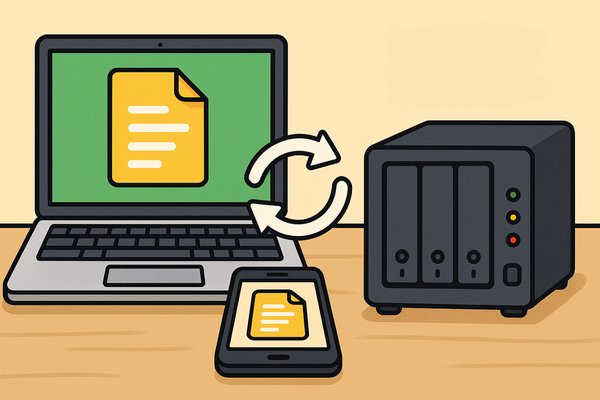
I was recently gifted a Skylight digital calendar and have been slowly working on importing my family's various events and tasks into it. I have Sonarr running on my NAS, and since Sonarr has a calendar feed, I figured why not add in my TV download schedule.
Initially easier said than done, but ultimately pretty easy.
The issue I immediately ran into was that my instance of Sonarr is not publicly accessible, so simply adding the calendar URL to my Google Calendar like I normally would to subscribe to a calendar feed resulted in absolutely nothing happening. Google has no access.
I do have a VPS running Pangolin, so I considered setting up publicly-accessible link to share to Google, but it seemed like overkill for a calendar. It doesn't need to be constantly accessible or update frequently throughout the day.
Sonarr runs on my NAS, and I'
software
I've been working in marketing and advertising for somewhere around 15 years now, with the last 10 or so being focused on pay-per-click advertising. Google ads, Facebook ads, a few industry platforms you've never heard of and one time even Bing!
I also wish I could literally never see another ad ever again outside of my 9-5 working hours.
That's obviously a bit of an issue for me, what with, you know, my livelihood reliant on the existence of digital advertising.
Historically, I haven't really bothered with much in-depth ad blocking. I've been content to run uBlock Origin (not uBlock, not Adblock... uBlock Origin specifically) in Firefox on my PC and phone, then do all my work stuff in Chrome with no ad blocking. Oddly enough, blocking ad content seems to completely break the ad management platforms I'm using every
homelab
This was supposed to be a pretty basic article detailing my process of switching my media server away from Plex and over to Jellyfin. The process of switching the server itself was super simple: I already had my media libraries set up, already had an instance of Jellyfin available (just disabled and unused), and am quite familiar with what's going on with my NAS and home network so the remaining handful of tasks to fully switch everything over were pretty simple to complete.
What I had not factored in was the process of setting up remote access to my media server for my parents, which led me down several interconnected rabbit holes for tools and services I was generally aware of and had largely planned to toy around with in the future. Most of this was not particularly necessary in order to get Yellowstone to stream to my dad'
automation
Free stuff is good. I like free stuff, I like custom notifications, and I like needlessly complicating automating things. I especially love automation for alerts - it's cool to automate a tedious task that requires manual interaction like turning on a light, but triggering alerts as they occur is one of my absolute favourite uses of automation.
This can also also obviously be adapted for any type of noitification from Reddit.
For quite some time, I'd been using an IFTTT automation to watch for new Reddit posts about PC games available to claim for free then send me a notification to claim them. I had recently switched from IFTTT to Zapier, until a Reddit update broke my Zapier automation and I was forced to go back to IFTTT. The Zapier/Reddit integration is now fixed, so while I may try and set up a self-hosted version of this
homelab
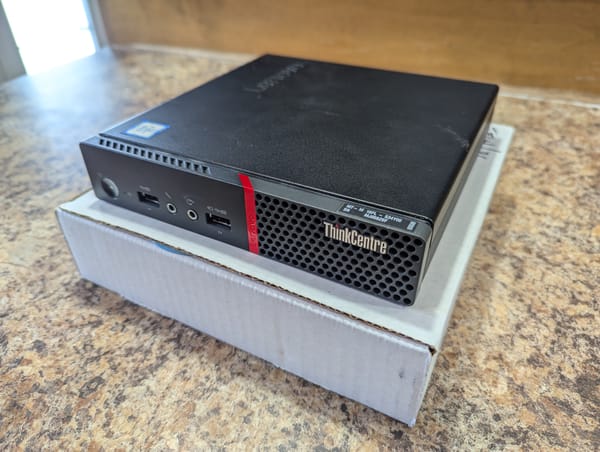
My server currently consists of a NAS. A few years ago, I upgraded from a QNAP TS-231, which was a solid little 2-bay starter NAS, to a much more capable Synology DS920+. On top of allowing for greater storage capacity and being a more powerful machine, one of the big upgrades was the ability to run programs as Docker containers. With the QNAP, I was stuck to a handful of available programs, and eventually most of them were updated past a point where the QNAP was able to even run them. So for example, I was stuck with Sonarr V2 when V3 was the latest version. The DS920+ was beefy enough to allow for containerization (and virtualization), and could be upgraded with more RAM and storage as needed.
I'm now at the point where I want to run more of my services on a faster dedicated computer
updates
I've owned a handful of domains over the years, most of which I've done absolutely nothing with. Some were for school, small personal projects, de-Googling, novelty, pranks, and a couple were literally for spite (I purchased several of the available options for domain to keep them out of the hands of a local racist flower shop).
Most were objectively a waste of money (not the flower shop domains though, that was a perfect investment), but as I've become older and more of a complete fuckin' nerd about basically everything I'm interested in, I've found solid reasons to own a personal domain and actually do something with it. I use one domain for my personal email, (jack@gmail.com is oddly unavailable) and have owned jackscleverna.me ever since I realized that my standard username ends in a standard top-level domain.
This domain has
productivity
I’m lazy efficient and therefore don’t want to do more work than necessary, especially with any sort of repetitive tasks. I do a lot of searches from the address bar in Firefox, so I make good use out of Firefox’s built-in search tools.
Most modern browsers offer a simple search bar, however additional, more powerful tools are available if you dig into your browser settings.
Below I’ve listed 2 methods of adding new custom search options to Firefox, though Chrome (and I assume other browsers) have similar options.
The easiest way, in Firefox at least, is to right-click a search box on the site you’d like to use and select “Add a keyword for this search,” then add a memorable keyword that will act as the trigger for your specific search, and save.
This creates a new entry in the Bookmarks
productivity
I wish I wasn’t as particular as I am, but not much to be done about that. If I want a thing, it will be thoroughly researched and I will obtain the perfect thing that suits my needs. And I don’t mean to say the perfect thing is necessarily expensive or literally the best available version of the thing I’m looking for, but that it checks all the boxes I’ve arbitrarily decided are important for the thing. Either way, I get hung up on the thing.
I’ve used at least a dozen different note-taking, Personal Knowledge Management, Project Management and productivity apps and software over the years. I used to be all about Evernote until they shit the bed, and ever since I’ve been free-floating through the Internet occasionally testing out a cool new note-taking app or self-hosting some novel
media
Here is my current media setup. I fully realize that this is lot to take in at once. I’ve personally been screwing around with these sort of setups for like 10-12 years now, starting with unfathomable amounts of jank running on crappy under-powered hardware, so on my end this is a lot of accumulated knowledge. I will also note that I am absolutely not an expert here, just an enthusiast that’s been working on it for a while. You’ll need to independently do some research on all of my notes below and figure out what will work best for you.
Also as a
humour
At the time of writing this, my son is about 19 months old. For the entirety of his life, I have voiced him in a terrible Russian accent. At the time of his birth, I had been listening to a Dungeons & Dragons “actual play” podcast by several CollegeHumor/Dropout alumni called Not Another D&D Podcast. At that point in the podcast, the hosts’ characters were in a frozen northern Dwarven city, and the DM used a Russian accent for the northern dwarves. I’m pretty sure that’s where this stemmed from.
I have created a deep lore for Jamie’s version of Russia. It is entirely incorrect and unfactual and probably highly offensive to any actual Russians (eg. there is a strong focus on the noble potato), but my near-constant prattling stream-of-consciousness narration of his day as a Russian
music
“Swayze,” as in Roadhouse actor Patrick Swayze, is one of the weirdest terms in hip-hop.
Hip-hop is a genre very well known for slang: known and popular or otherwise. Like half of the English language’s slang terms come from African-American Vernacular English (AAVE), which is obviously very strongly tied with rap, then dig one step deeper into regional dialects and slang and we end up with a mountain of words, terms and phrases that make their way into rap songs.
Swayze is my personal favourite, solely because of how many steps it takes to get from Patrick Swayze to the actual term. The term itself means to disappear.
Noteworthy examples:
“That’s why I bust back, it don’t faze me / When he drop, take his glock and I’m Swayze”
- Notorious B.I.G on Tupac’s Runnin’ (Dying To Live)
“I’m sick, insane,